Backstage in 2026: one platform model, many operating surfaces
Backstage in 2026: one platform model, many operating surfaces
The Backstage maintainer update at KubeCon EU 2026 was not just a feature recap. It was a design direction statement: Backstage is evolving from "developer portal UI" into a platform operating layer that spans the UI, CLI, and agent workflows.
That shift matters because engineering behavior is shifting too. Teams are writing less code manually, automating more decisions, and spending more time orchestrating systems safely across multiple interfaces.
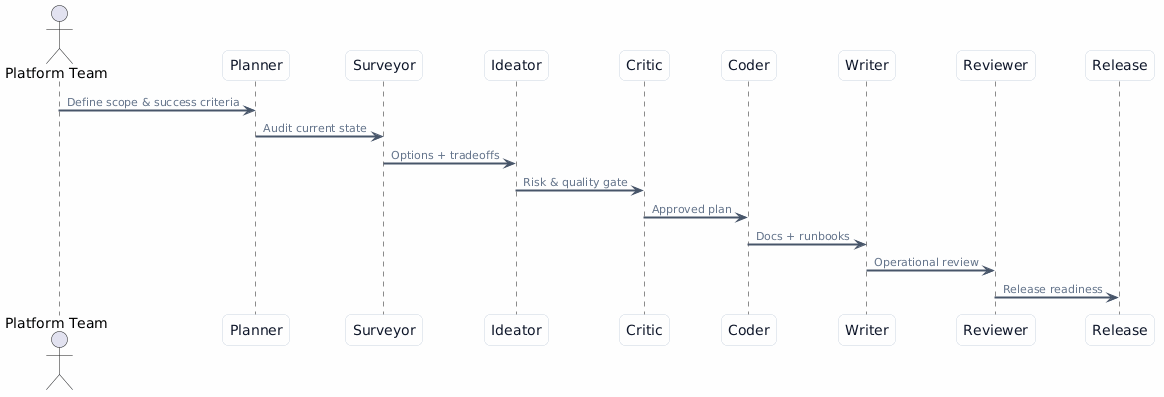
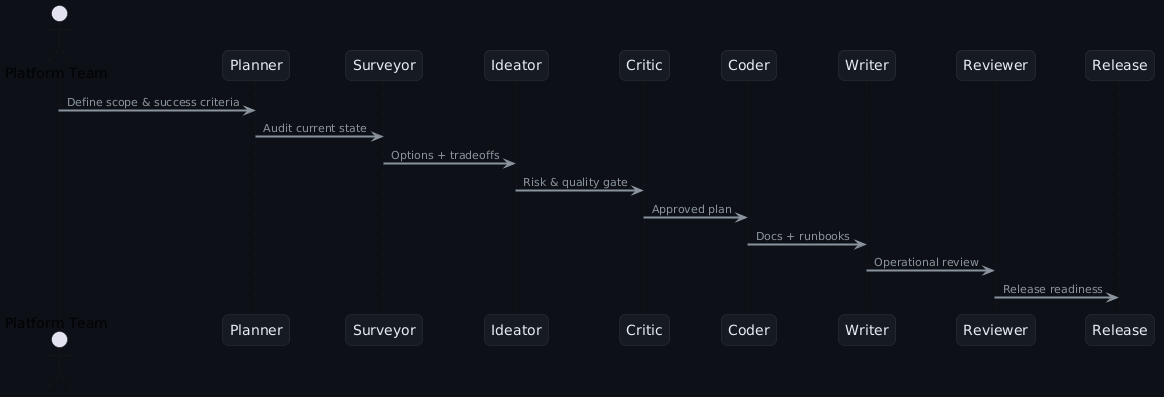
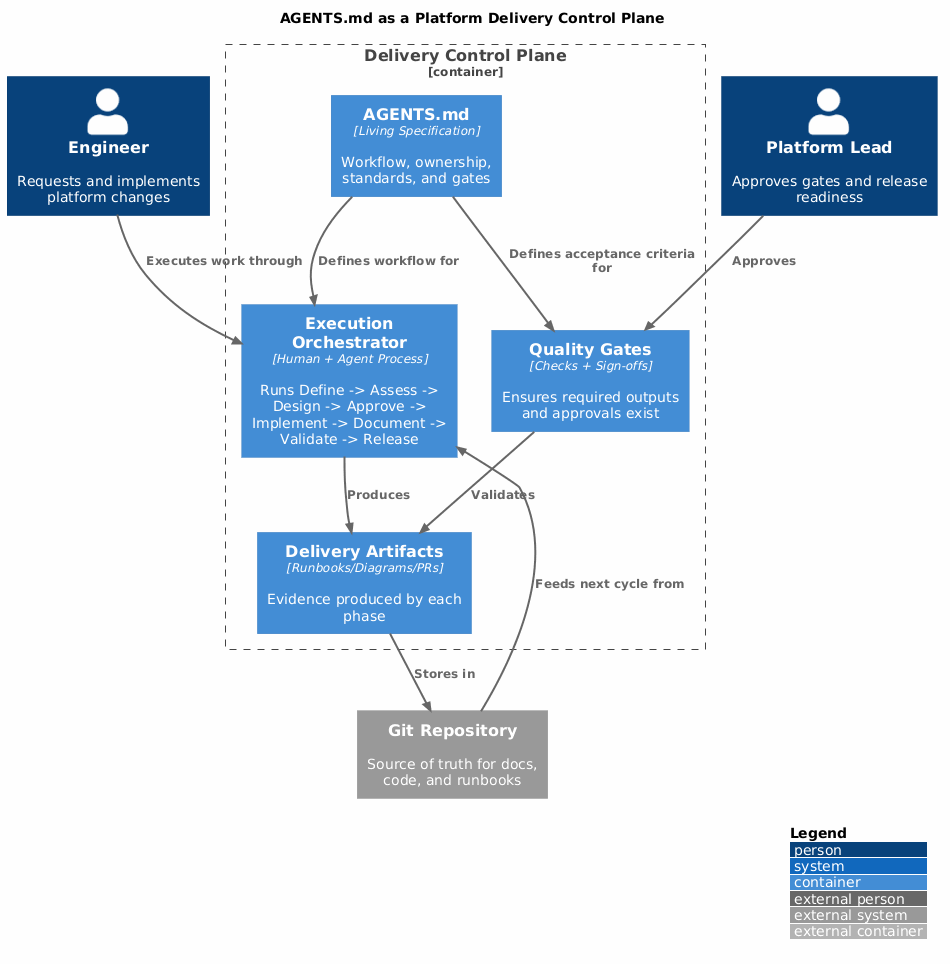
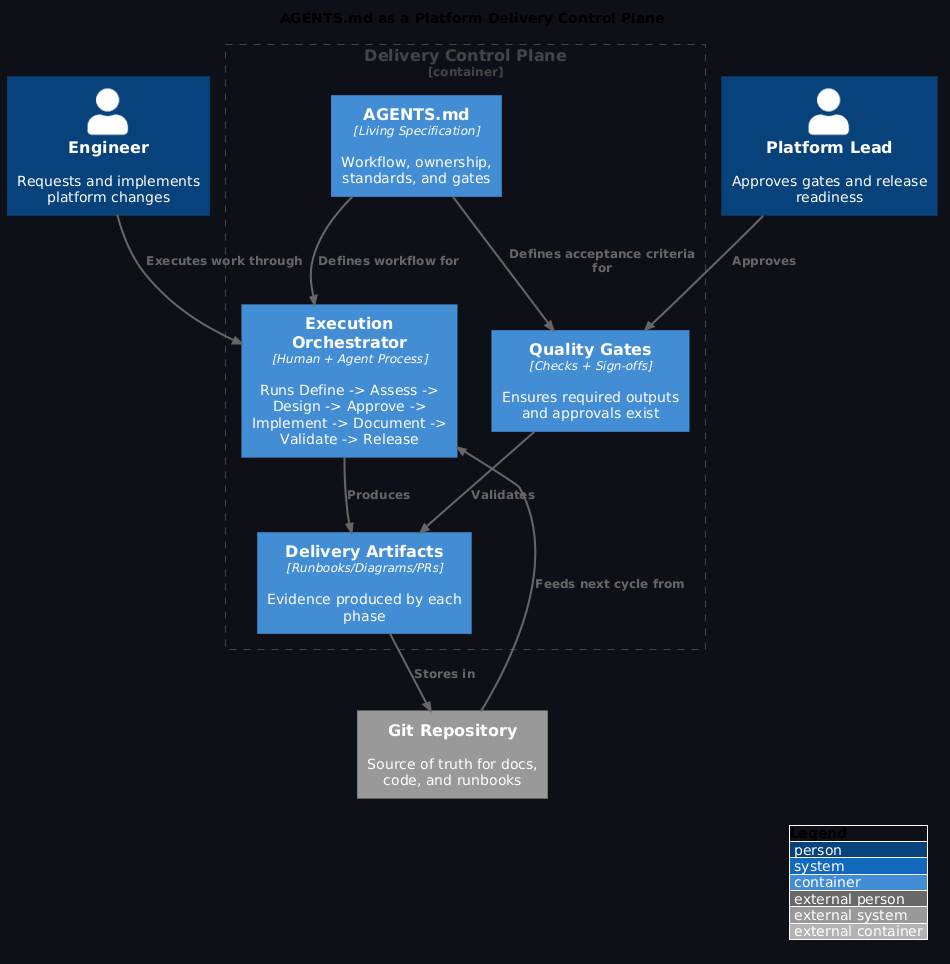
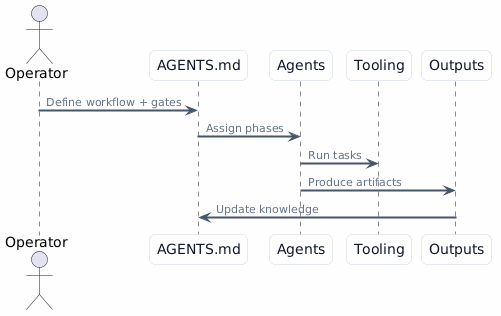
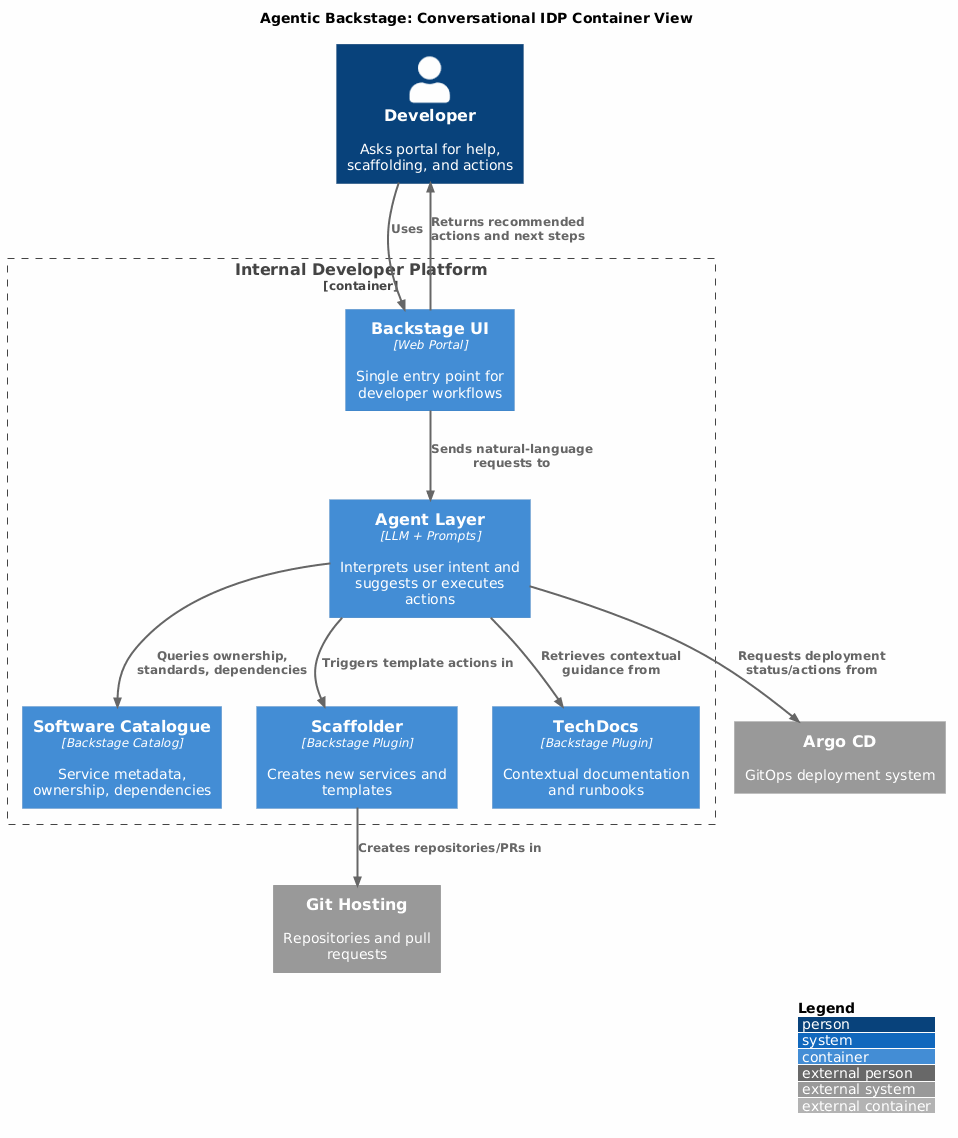
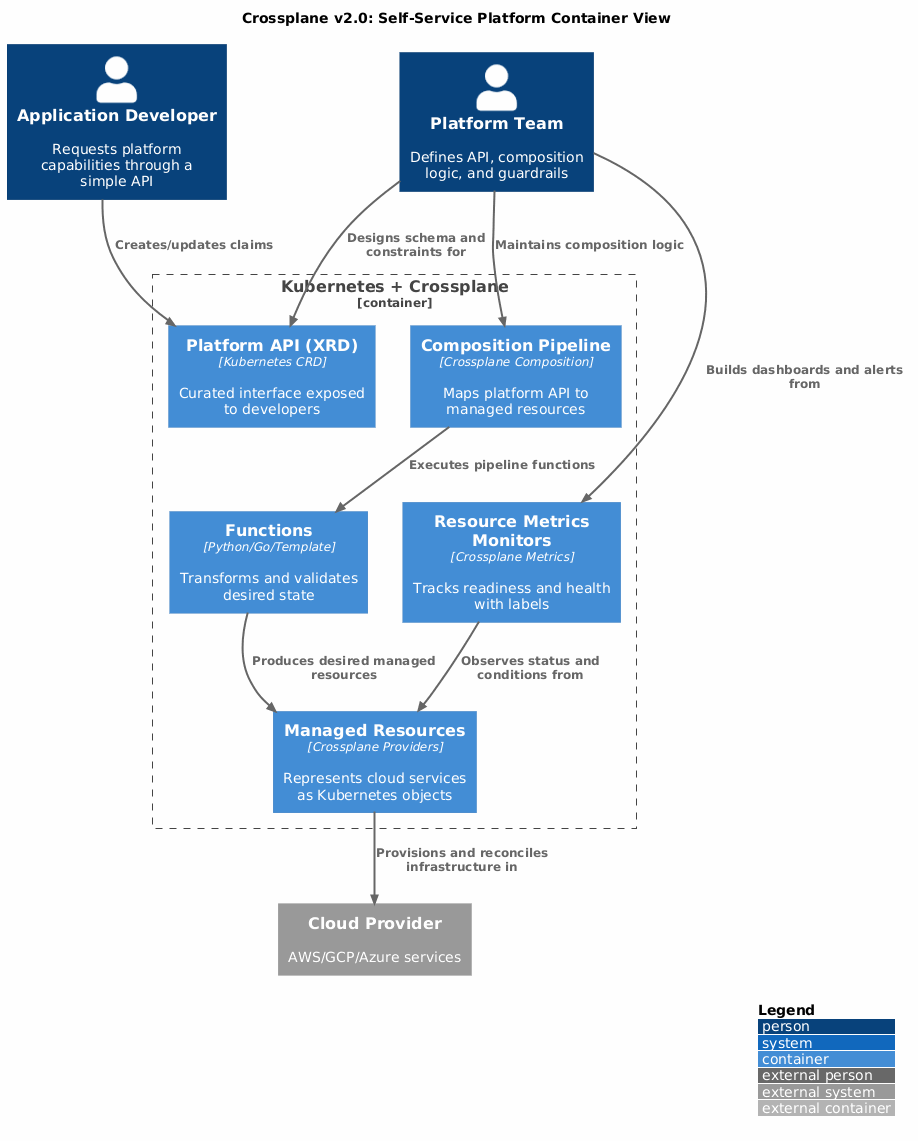
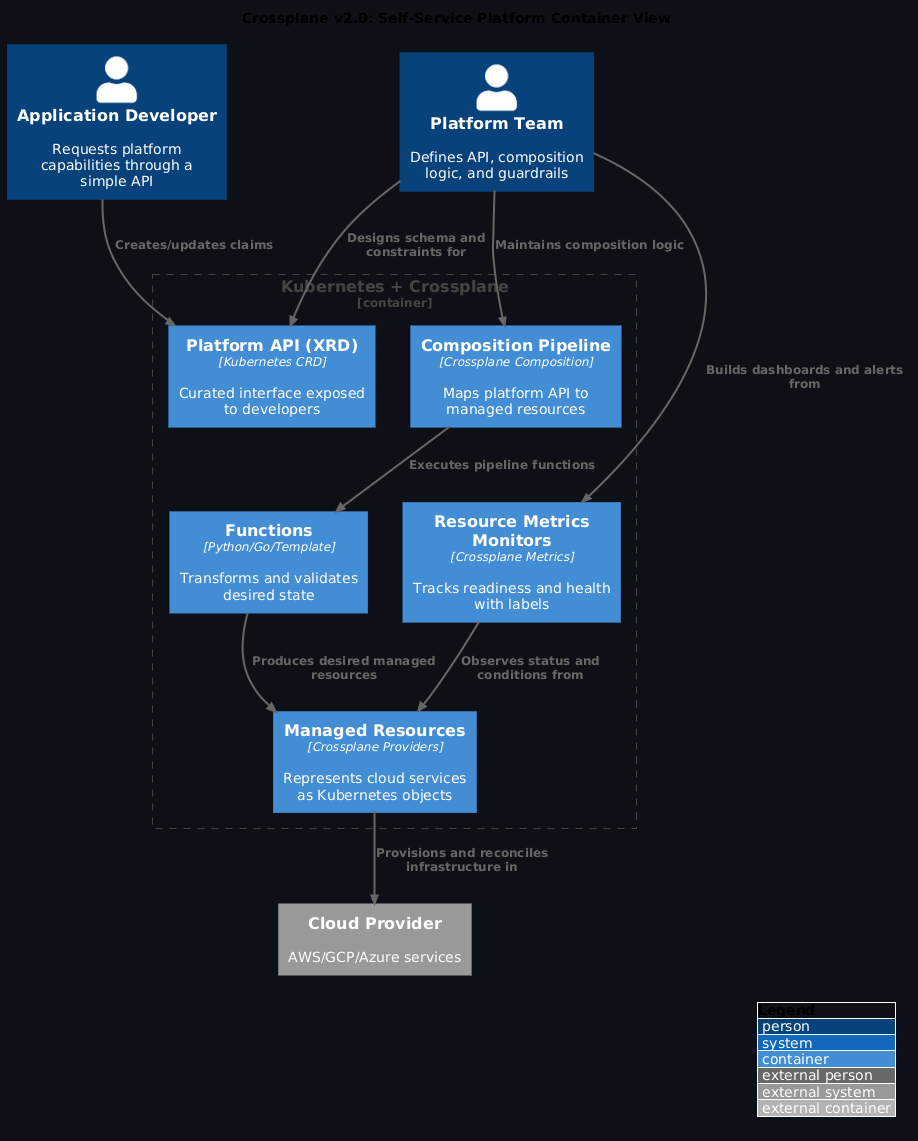
The visual map
What changed and why it matters
The action registry is the strategic bet to watch
The action registry becoming shared execution infrastructure is the most consequential change in this update. When templates, CLI commands, and MCP tools all draw from the same action set, platform teams write an integration once and it works everywhere. That's a dramatically better model than the current state where similar logic gets reimplemented per surface.
1. Multi-surface operation is now first-class
Backstage capabilities are increasingly available through:
- the web UI for discovery and operations
- a modular CLI for local and CI workflow execution
- MCP tools for AI-assisted interaction
The important point is not that there are more entry points. The important point is that these surfaces are converging on the same underlying model and controls.
2. Action registry is becoming shared execution infrastructure
The action registry is no longer only a scaffolder-side concept. It is becoming a reusable execution surface consumed by templates, CLI commands, and MCP tools.
That reduces duplicated integration logic and gives platform teams one place to expose safe, reusable operations.
3. Auth and token handling are moving toward practical security
The maintainer update highlighted progress away from static long-lived tokens toward standards-based flows with refresh support. For long-running MCP and CLI sessions, this is operationally significant.
This is where many "AI in platform engineering" efforts usually break in real organizations: authentication and token lifecycle handling. Backstage appears to be fixing that at the architecture level rather than papering over it.
4. Frontend migration is reaching an adoption tipping point
The new frontend system is in release-candidate territory and now default for new apps. Combined with better migration support, this means platform teams can now move from experimental dual-stack mode to planned migration programs.
5. Catalog model extensibility is the strategic center
The strongest long-term signal was catalog model evolution.
If the software catalog remains a weakly-described data store, humans and agents both underperform. If model extensions become structured, discoverable, and machine-readable, the platform gains a reliable semantic layer for automation.
That is the core requirement for safe AI-assisted operation in complex environments.
Practical implications for platform teams
Apply this: inventory your catalog extensions now
Before the catalog model extensibility features ship, take stock of what you've already added as annotations and unstructured data. Extensions that are machine-readable and explicitly defined will compose cleanly with agent workflows. Extensions that are ad-hoc strings in annotations will need migration. Start the inventory now while the migration cost is low.
If you run Backstage as an internal platform product, this session suggests five immediate priorities.
- Treat UI, CLI, and agent access as one product surface, not separate projects.
- Standardize reusable operations behind action registry-style abstractions.
- Remove static token shortcuts from automation workflows.
- Plan migration onto the new frontend system with explicit dual-support windows.
- Inventory your catalog extensions and define them as explicit model contributions.
Don't skip the auth and token lifecycle work
Long-running MCP and CLI sessions break when tokens expire and there's no refresh path. The maintainer update called this out explicitly because it's where most "AI in platform engineering" efforts fail in real organisations. If you're prototyping MCP-based Backstage integrations, test with a token expiry scenario before claiming it works in production.
Why this aligns with the wider KubeCon theme
Across sessions this year, a clear pattern emerged: platform teams are product teams, and product quality is increasingly about governed autonomy.
Backstage fits that pattern when it is used as:
- a discoverability layer (catalog)
- a policy enforcement layer (permissions)
- an execution layer (actions)
- a multi-interface operations layer (UI, CLI, MCP)
That stack is more than a portal. It is a control plane for delivery behavior.
References
- KubeCon EU 2026 event notes
- The State of Backstage in 2026 notes
- AI governance for platform teams: Agents in production without losing control
- KubeCon EU 2026 made one thing clear: platform teams are product teams
Frequently asked questions
Is the Backstage multi-surface model production-ready?
The individual components are — the web UI, the catalog, and the plugin ecosystem are all in production at organisations like Spotify and Red Hat. The multi-surface operating model (UI + CLI + MCP tools converging on one underlying model) is a direction the maintainers are actively working toward, not a shipped feature you can adopt wholesale today. Treat it as an architectural north star, not a launch announcement.
Where can I find the KubeCon talk recording?
The maintainer update session is part of the official KubeCon EU 2026 recordings on the CNCF YouTube channel. Search "State of Backstage 2026 KubeCon" — it typically goes live 1-2 weeks after the conference.
How does the Backstage MCP surface connect to AI agents?
MCP tools expose Backstage catalog operations (search, scaffold, register component) as structured tool calls any compliant AI client can invoke. An agent in VS Code or Claude Code can query your software catalog, trigger scaffolding templates, or surface ownership data without a human opening the Backstage UI. The action registry becoming shared execution infrastructure is what makes this coherent across surfaces.
What should I prioritise before adopting the multi-surface model?
Catalog quality first. If your component annotations are incomplete, your TechDocs are stale, or ownership fields are missing, any agent or CLI surface will surface that mess faster than the web UI did. Audit catalog completeness before investing in new surfaces — the new interfaces amplify what's already there.
How does this relate to the agentic Backstage work from Sam Nixon at Roadie?
The agentic Backstage post covers the conversational UX layer — natural language scaffolding, contextual search, self-service actions. The multi-surface control plane post covers the underlying architecture direction — action registry, catalog model extensibility, auth improvements. They're complementary: the maintainer work creates the foundation that makes the agentic UX viable at production quality.